



































 /SC-1600

 TOP
TOP


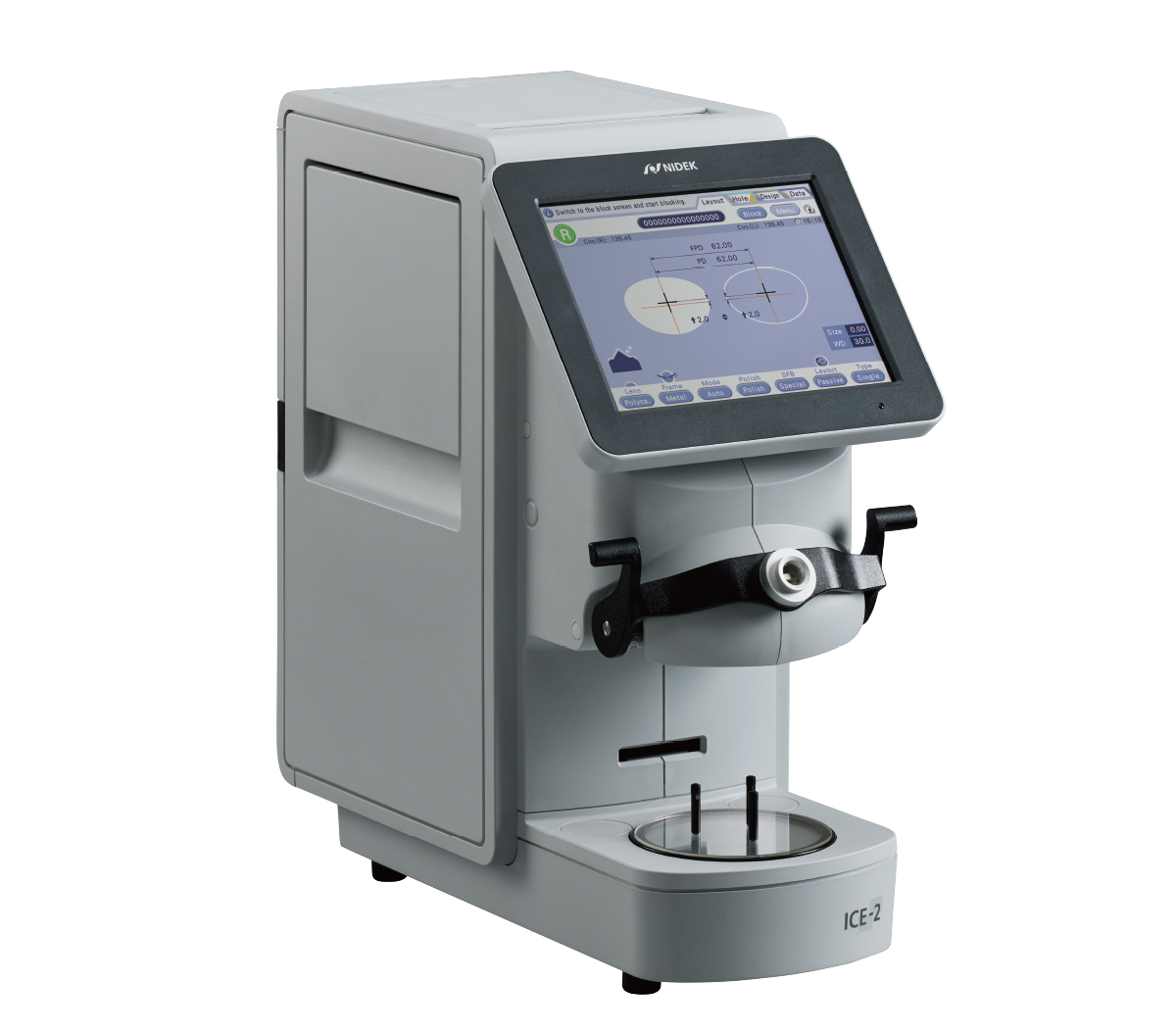
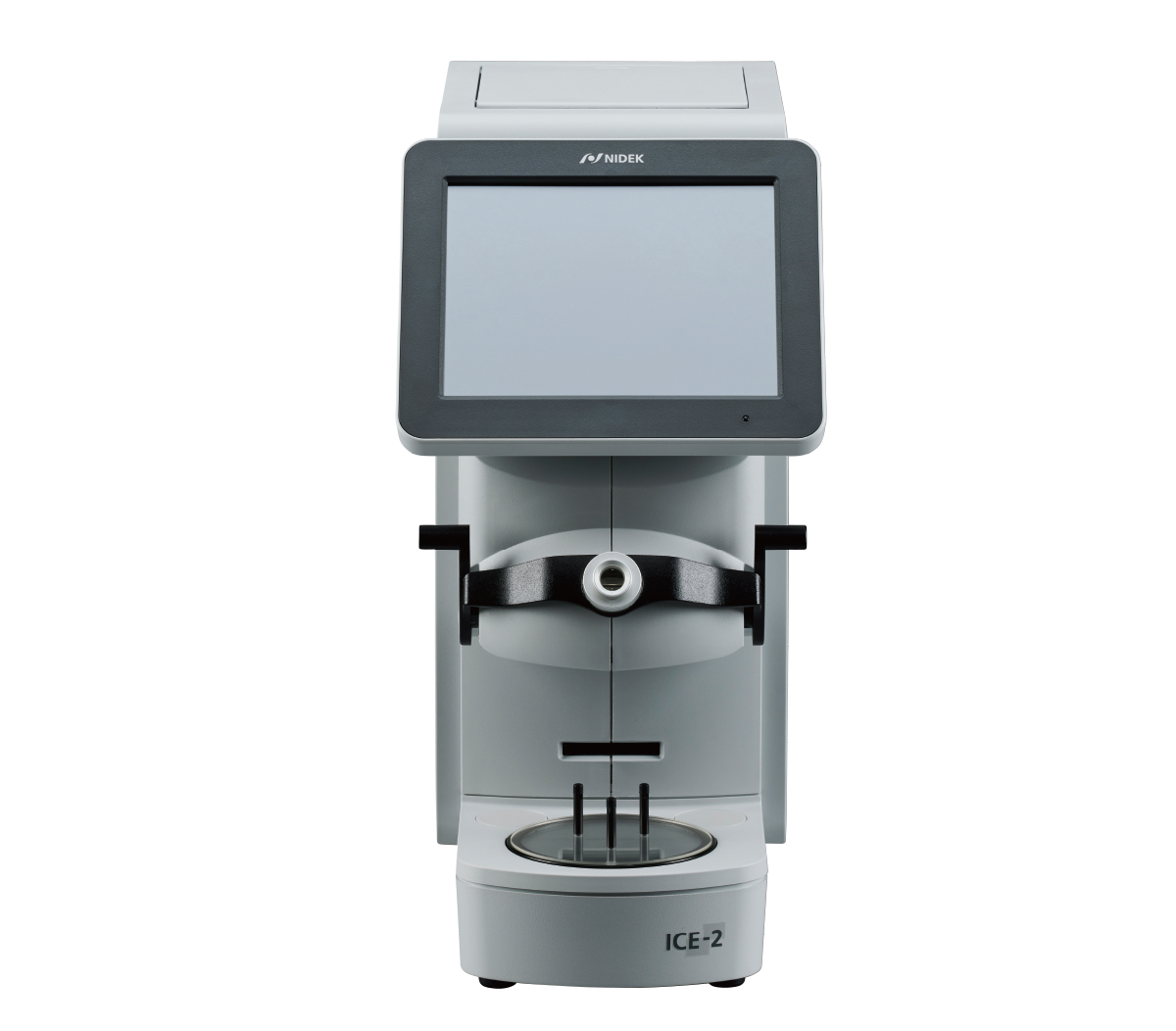
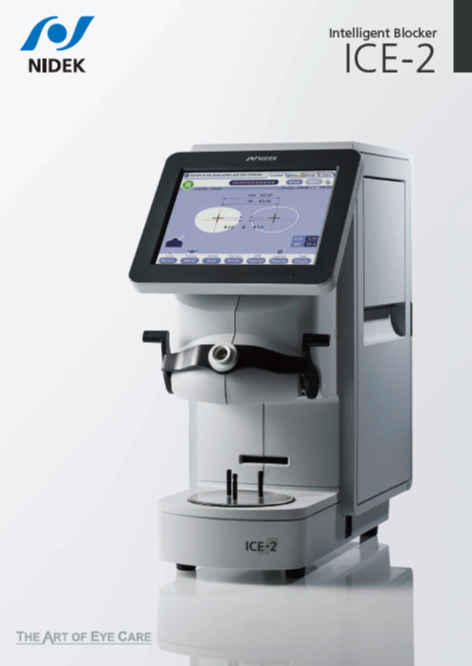
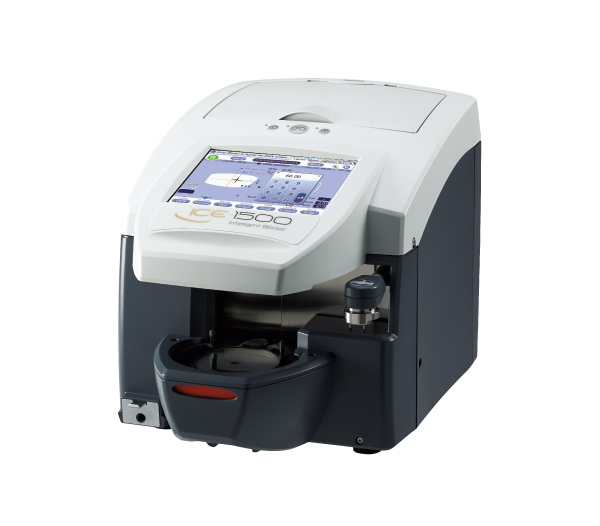
Intelligent Blocker
ICE-2
Features
- Precise and easy blocking for all users
- Versatile and user-friendly editing functions
- Smarter workflow through storage space and data management
Detailed Information
Precise and easy blocking for all users
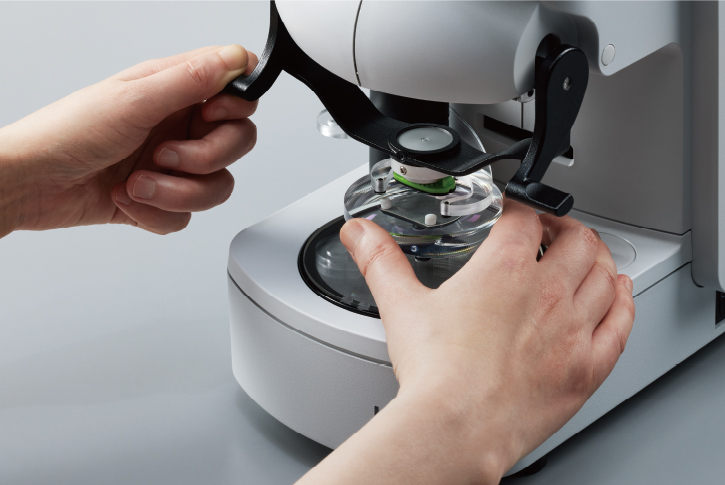
Secure lens positioningBlocking with the flexible positioning adjuster* delivers high-precision accuracy by keeping the lens stable throughout the process. The adjuster maintains the lens’s front base curve in an optimal horizontal position, minimizing gaps between the lens and the cup and preventing unwanted movement.
*Optional |
|
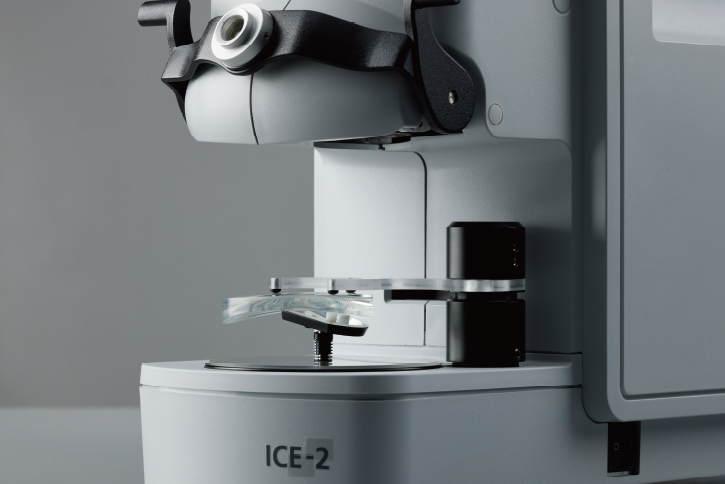
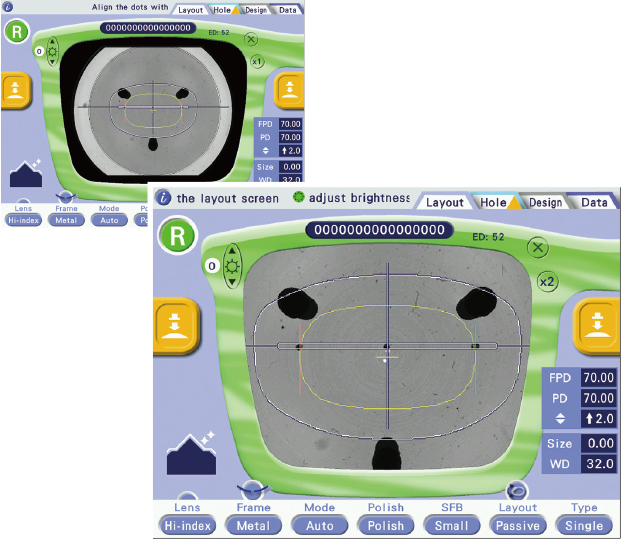
Clear lens imagingThe ICE-2’s imaging eliminates refractive distortion and provides a true view for positioning. The magnification screen allows users to align lens markings with greater ease and block with higher precision. |
|
Simple and smooth blockingThe blocking lever design has been engineered for a smooth, intuitive motion—just pull the lever toward you and lower it. The side slide blocking movement is eliminated. Double-sided levers accommodate both right- and left-handed users, providing comfortable, accurate control without extra effort. |
|
Versatile and user-friendly editing functions
Rich editing capabilities
With six editors, the system makes complex shape edits intuitive. The Design Cut Editor supports up to 100 data points for intricate, stylish frame designs. Step / Partial Step Editor offers step angle setting from 0° to 15°, allowing compatibility with a wide range of frame designs.
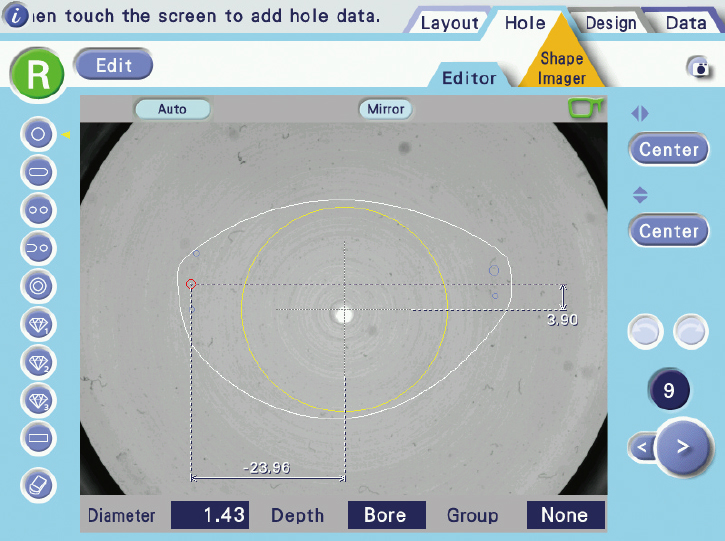
Hole Editor |
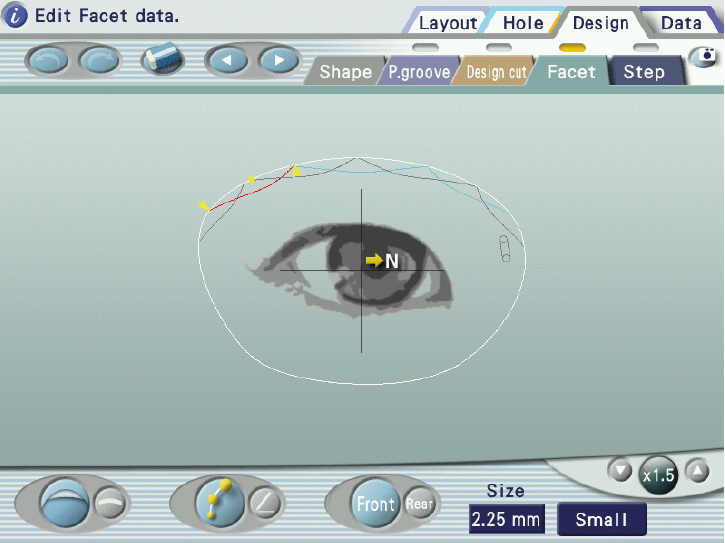
Facet Editor |
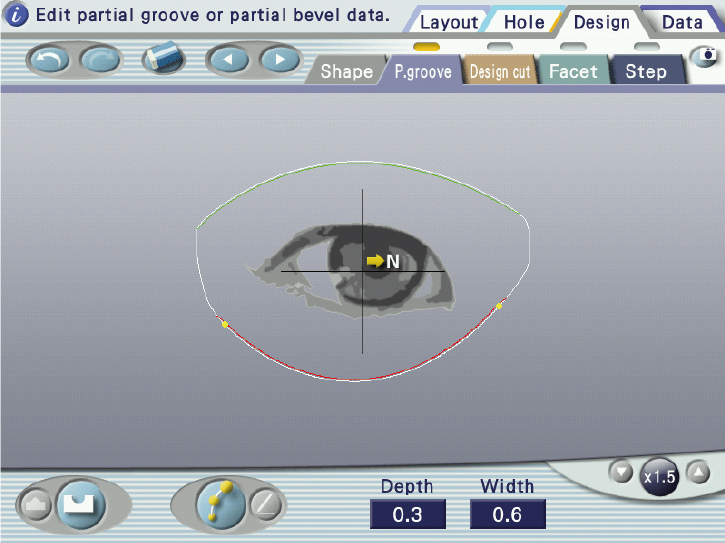
Partial Groove / Partial Bevel Editor |
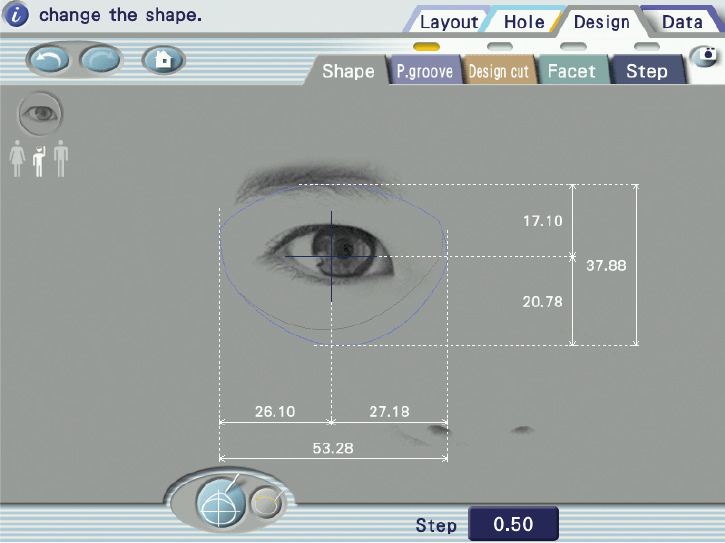
Shape Editor |
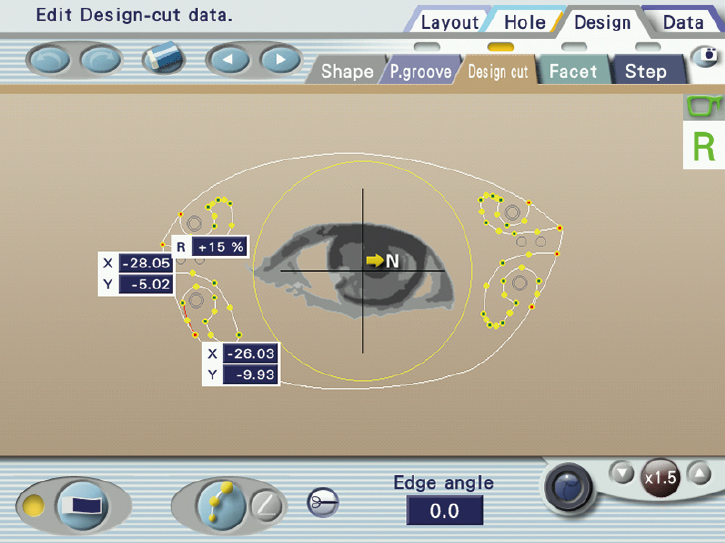
Design Cut Editor |
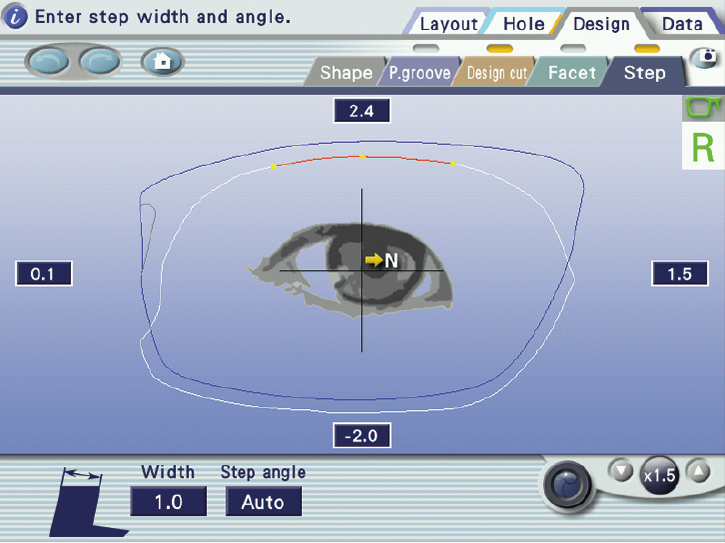
Step / Partial Step Editor |
Efficient design editing with the Shape Imager
The Shape Imager streamlines design editing by accurately measuring the outline and hole positions of a demo lens or pattern. It features three distinct measurement modes—hole, design cut, and step—for efficient measurement.
Smarter workflow through storage space and data management
Compact storage for better workflow
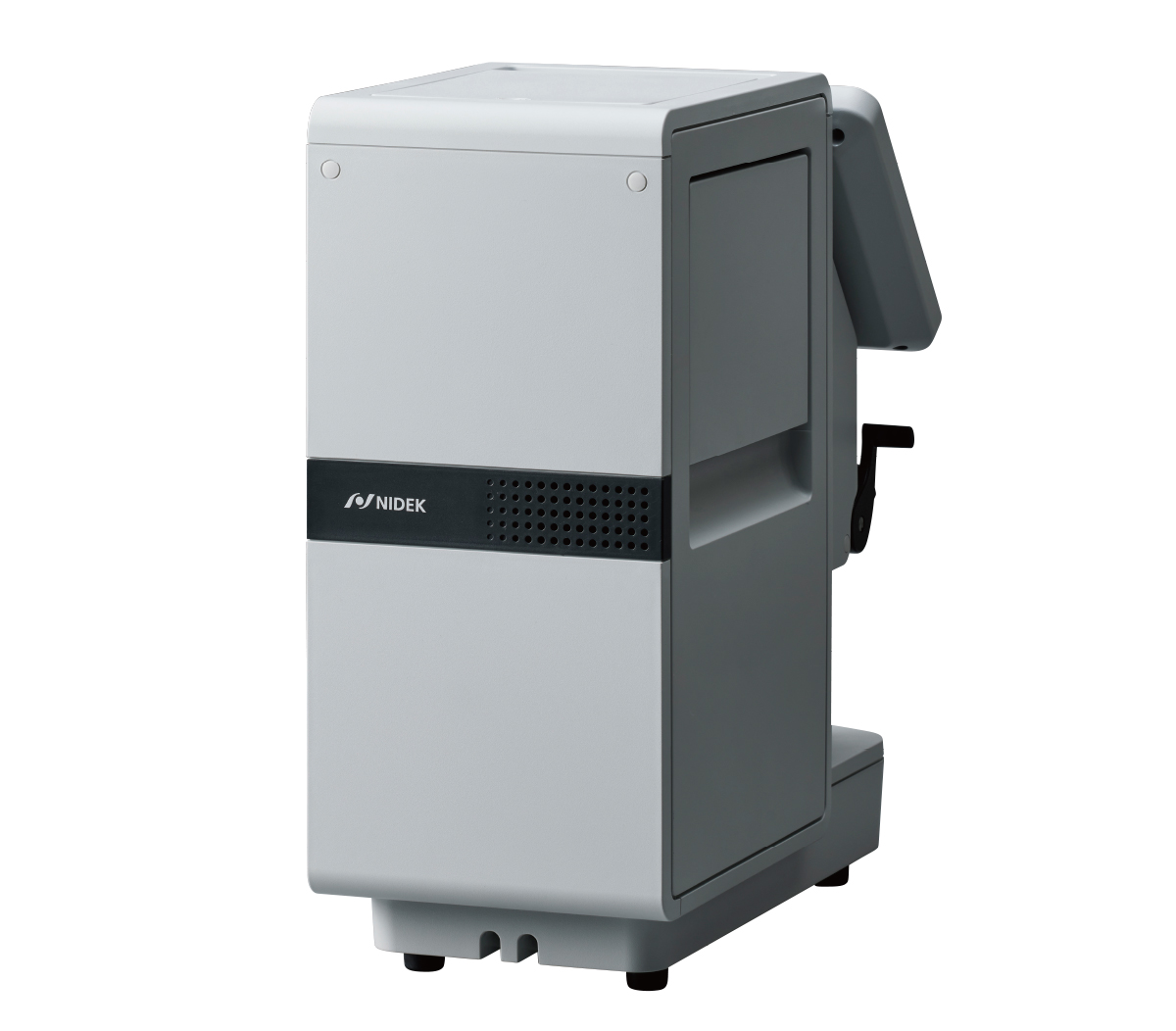
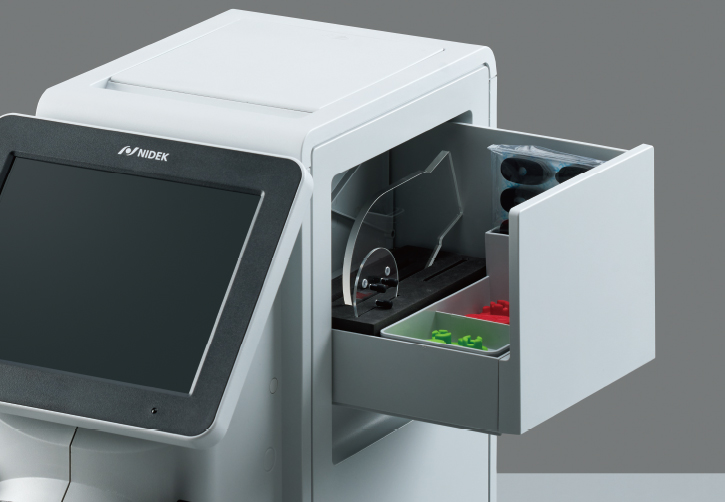
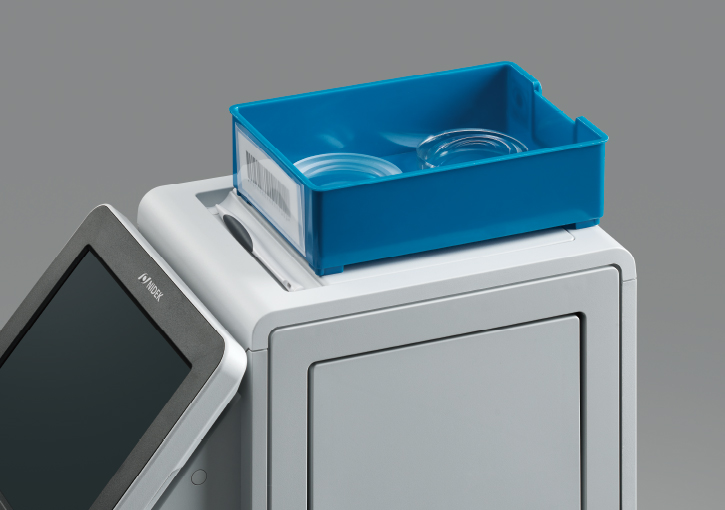
The built-in accessory compartment and flat-top design improve workspace efficiency.
The accessory compartment keeps lens tables and consumables organized and protected from dust and damage. It slides out from either side for easy access.
|
|
The flat top surface provides a stable platform for job tray placement, enhancing workflow convenience.
|
Efficient operation with data management
Built-in data storage supports saving, searching, and recalling of job and pattern data items with up to 60,000 data items. Using a USB flash drive* for backup ensures your data is always protected.
*Optional
Easy data entry via barcode
With the optional barcode scanner, shape data names can be entered instantly, eliminating manual input. Paired with your edger’s barcode scanner, it enables a fully streamlined workflow.
Downloads

NOTE
The availability of products differs from country to country depending on the status of approval.
Specifications and design are subject to change without notice.