
























 /SC-1600

 TOP
TOP


CB for Windows
for the RT-6100/TS-610
Features
- Control software for the RT-6100/TS-610
- Expanding possibilities, streamlining workflow
- Selectable user interface
Detailed Information
Control software for the RT-6100/TS-610
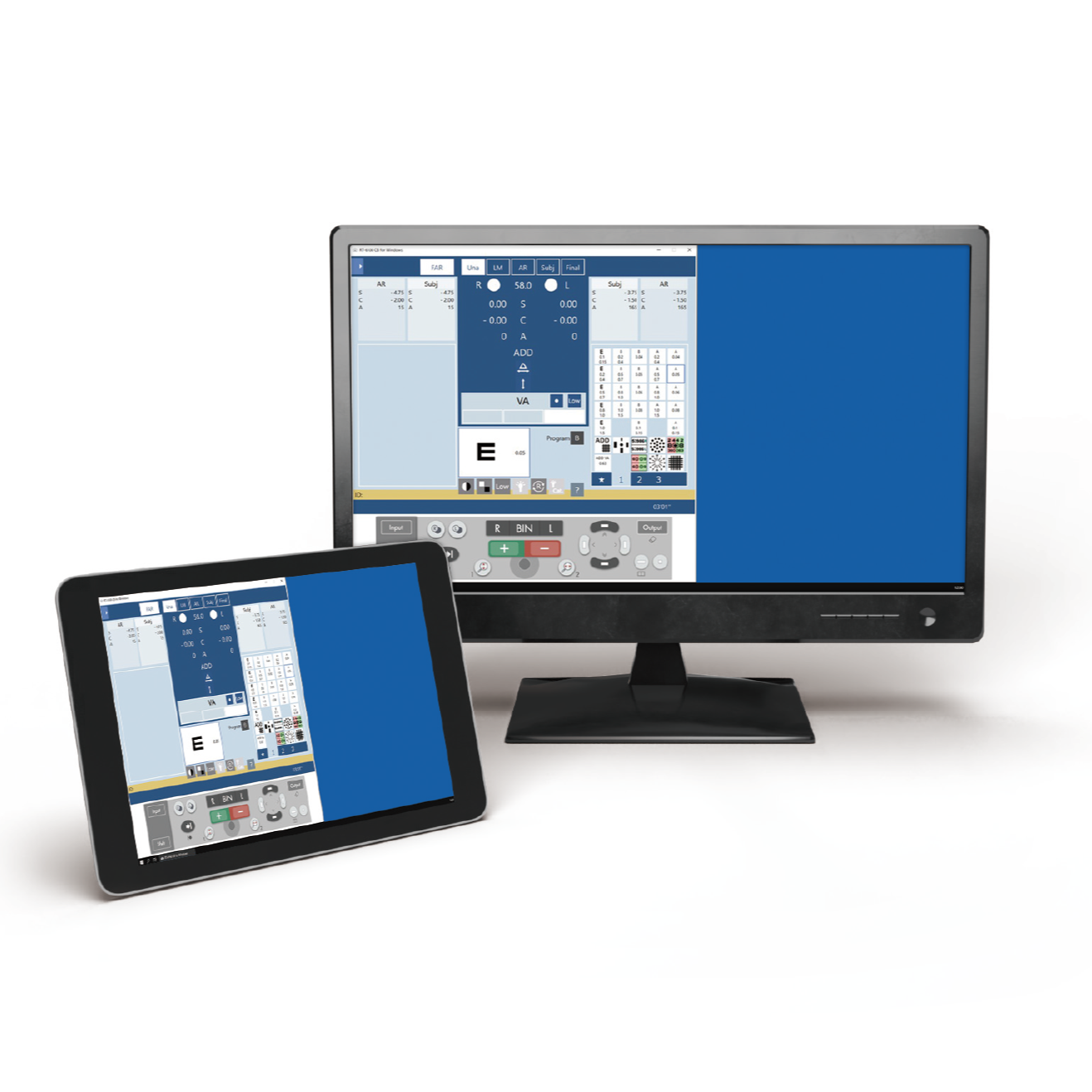
| CB for Windows is optional control software for the RT-6100/TS-610. Featuring a highly visible measurement screen and digital keypad on the computer display, the lens exchanges are as seamless as using a control console. |
Expanding possibilities, streamlining workflow
CB for Windows enables remote examinations by using functions or software*¹ through a Windows computer to control the equipment remotely. Combined with the Fully Assisted Refraction System FARS*², a patient checks with subjective refraction to achieve the full correction values in a facility then the eye care professional provides the final check / refinement remotely.
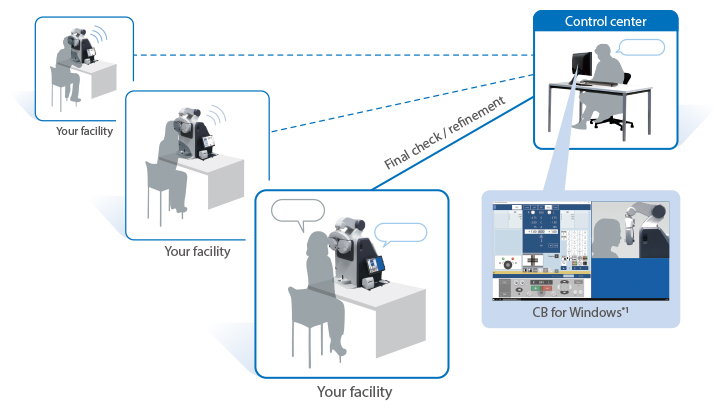
*1 Operation from a different location can be performed by remote operation of the computer. NIDEK does not include or provide the functions or software necessary for remote communications. The working environment and the specifications/performance of individual computers may impact software usability.
*2 Product/model name: Fully Assisted Refraction System FARS
Selectable user interface
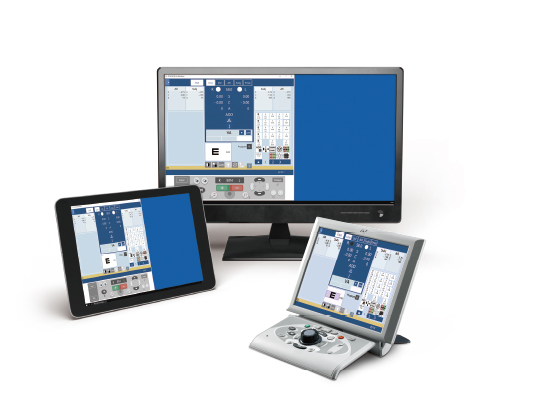
| The operator can choose between using the standard control console or a computer/tablet by using CB for Windows.* Explore the possibilities.
*Control console and Windows computer/tablet cannot be used/connected simultaneously. |
 |

Related Products
NOTE
The availability of products differs from country to country depending on the status of approval.
Specifications and design are subject to change without notice.
- Product/model name
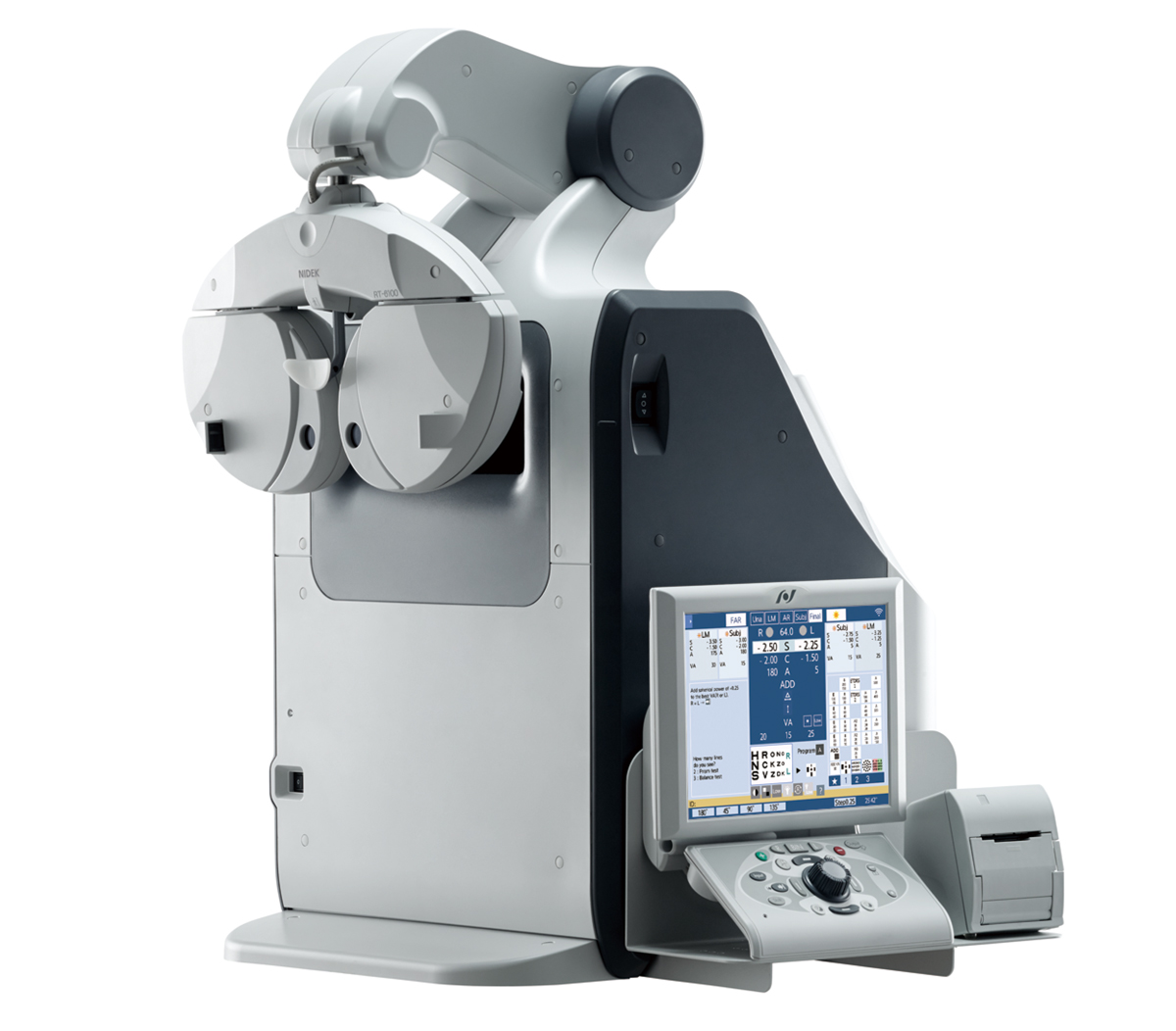
- REFRACTOR RT-6100